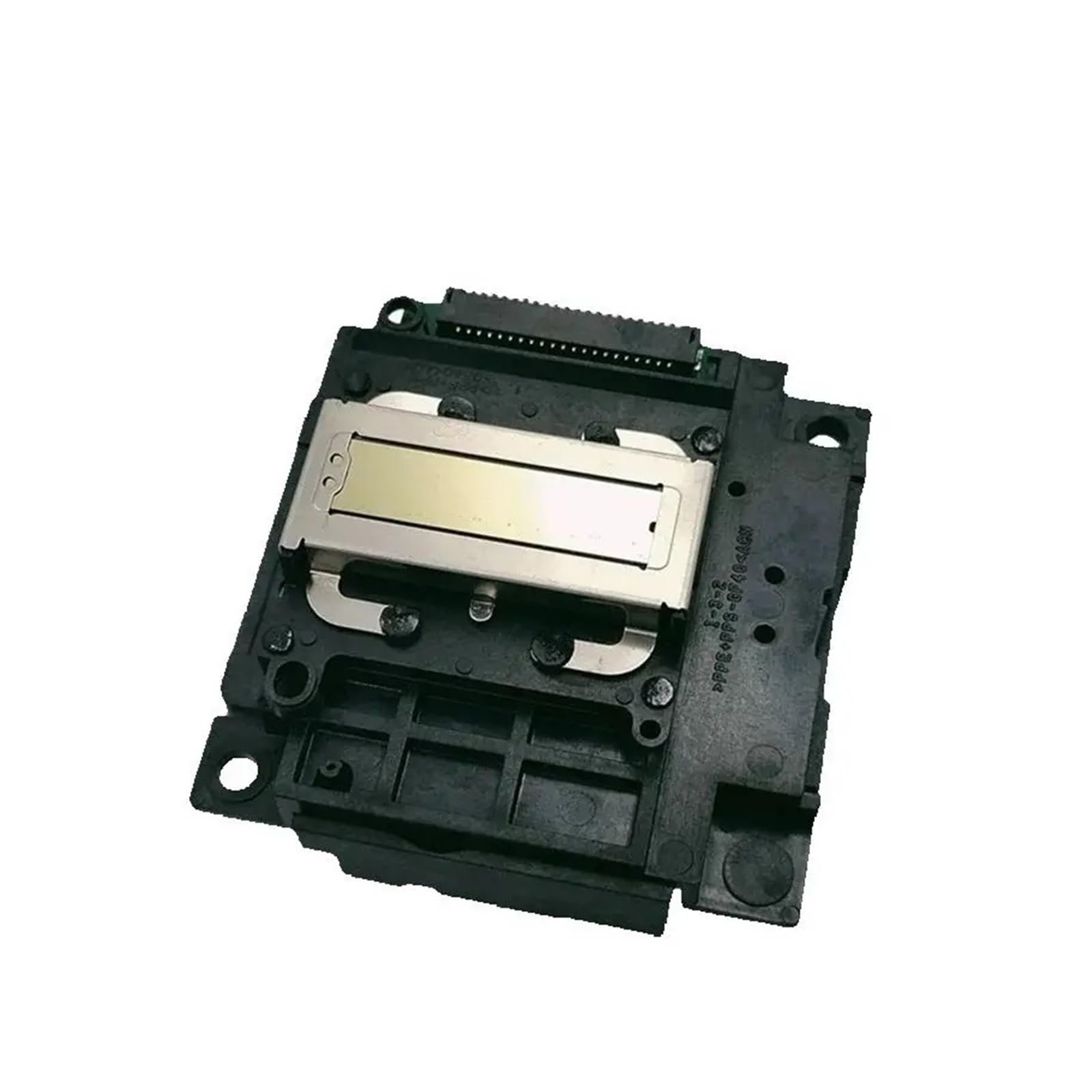
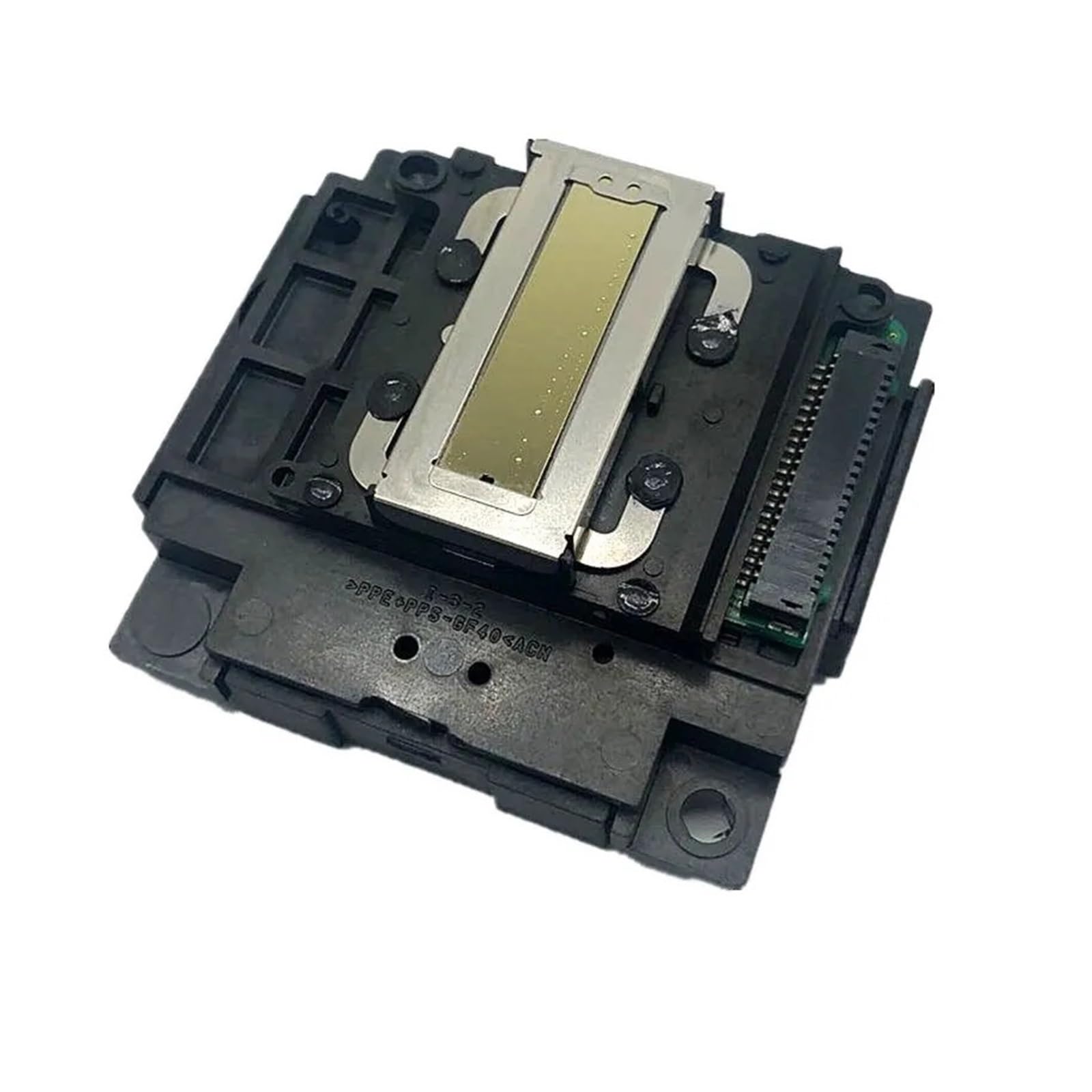
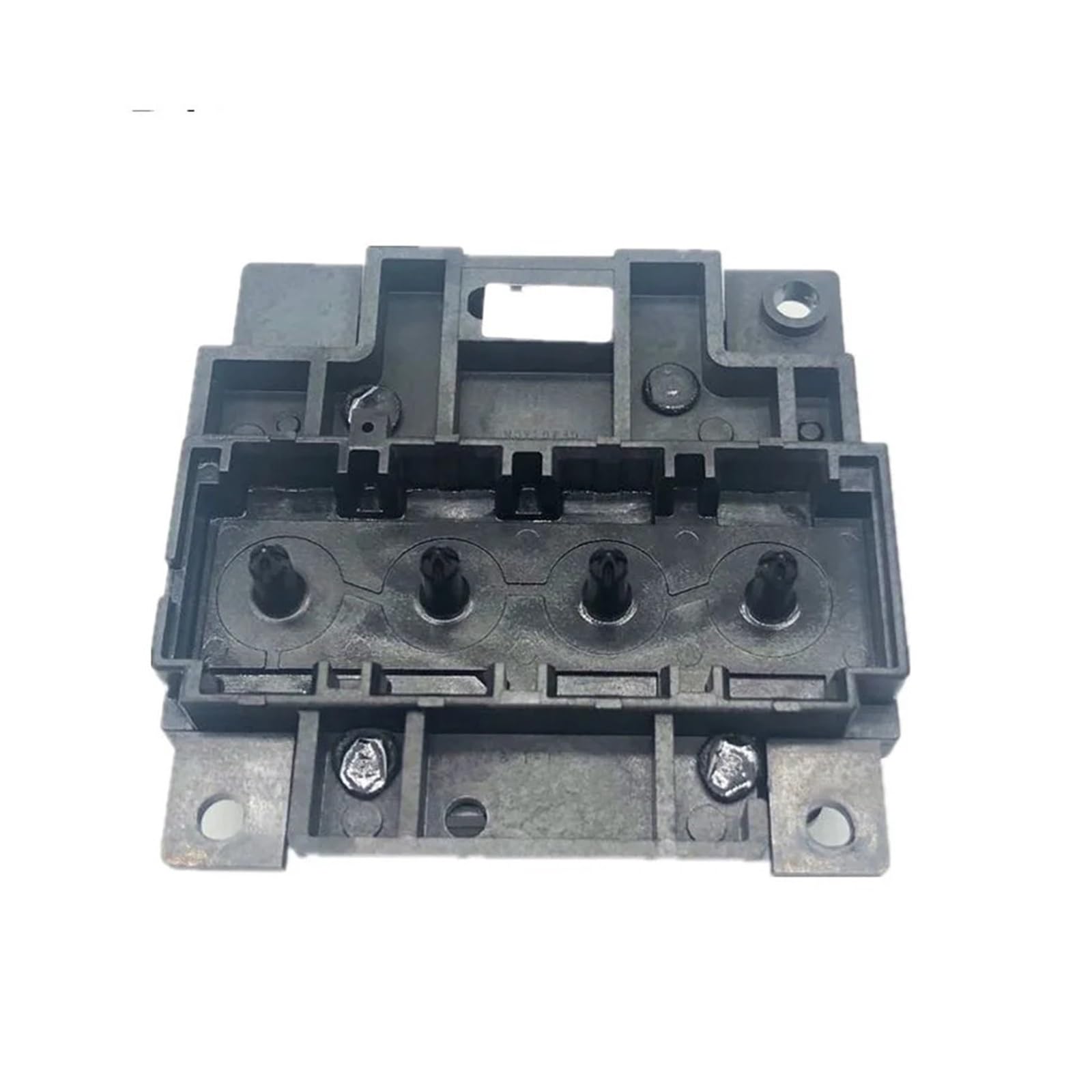
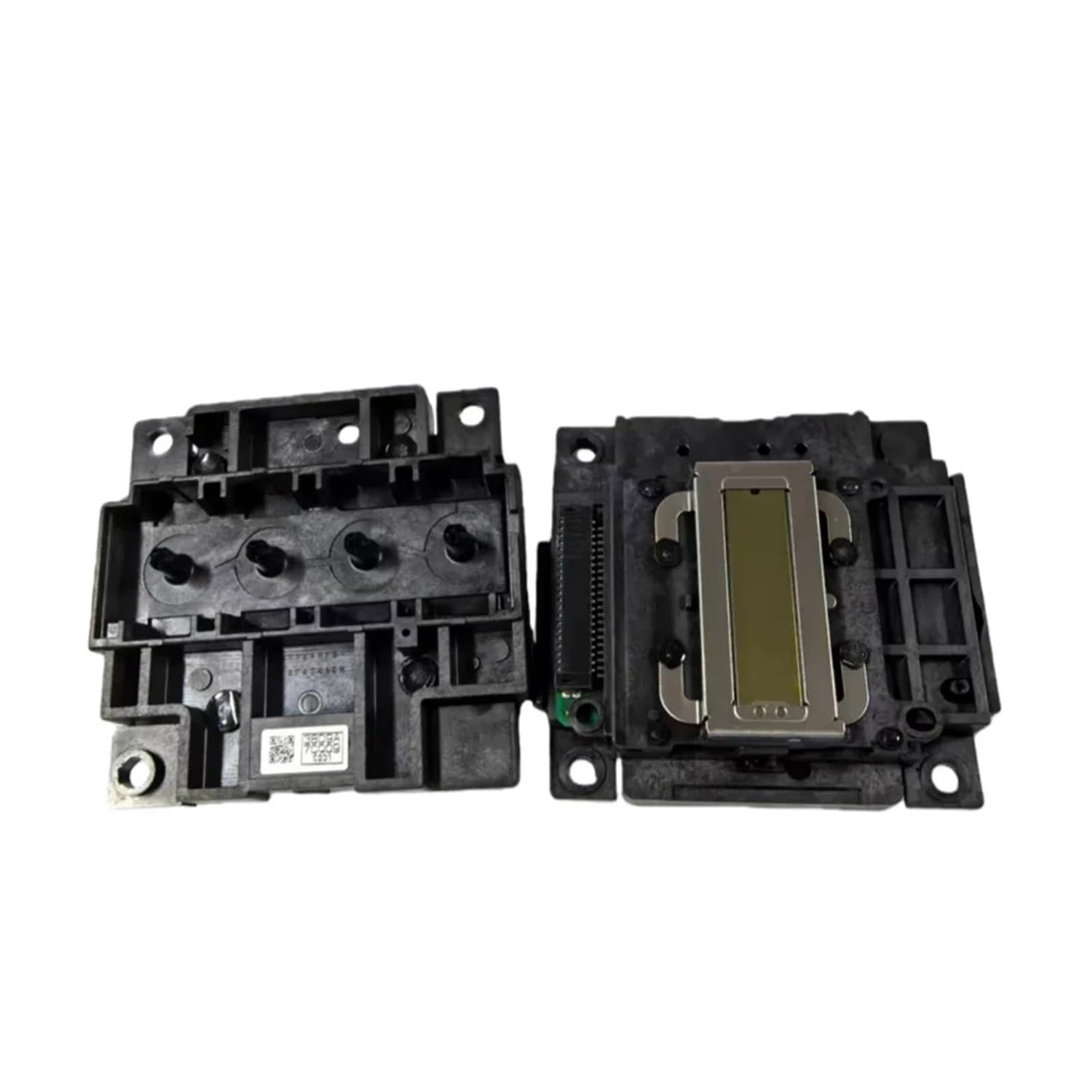
L210 Druckkopf, Kompatibel Mit Epson L300 L355 L220 Tintentankdrucker | L210-Druckkopf FA04010 For L-Serie, Klarer Druck, Einfache Installation, Kompatibel Mit Ink Tank Eco-Drucker
Product Overview
Marke: GOTLFX
Konnektivitätstechnologie: Bluetooth
Drucktechnologie: Punktmatrix
Farbe: One Color
Modellname: Pure Dwell
Druckerausgabe: Farbig
Maximale Druckgeschwindigkeit (Farbe): 1 Seiten pro Minute
Maximale Druckgeschwindigkeit Schwarzweiß: 1 Seiten pro Minute
Produktabmessungen: 10T x 10B x 10H Millimeter
Maximale unterstützte Papiergröße: 3 x 5 Zoll
- Ersetzen Sie den L210-Druckkopf (FA04010). Anwendbar for L110 L111 L120 L210 L211 L220 L222 L300 L301 L303 L335 L350 L351 L353 L355 L310 L390 Tintentankdrucker.
- Klare und konsistente Druckpräzisionsdüsenanordnung sorgt for klaren Text und leuchtende Farben; Sorgen Sie for einen konsistenten Druck for den täglichen Gebrauch.
- Das Tintentanksystem ist speziell for Tintenpatronendrucker konzipiert; Zuverlässige Zusammenarbeit mit kontinuierlichem Tintenversorgungssystem.
- Einfach auszutauschen und zu installieren, passende Installation und Anschlüsse; Ersetzen Sie grundlegende Werkzeuge direkt während der Installation ohne Kalibrierung.
- Reparieren Sie fehlende Linien, Streifen, verblasste Drucke und Düsenverstopfungen; Stellen Sie den normalen Betriebszustand Ihres Druckers wieder her.